
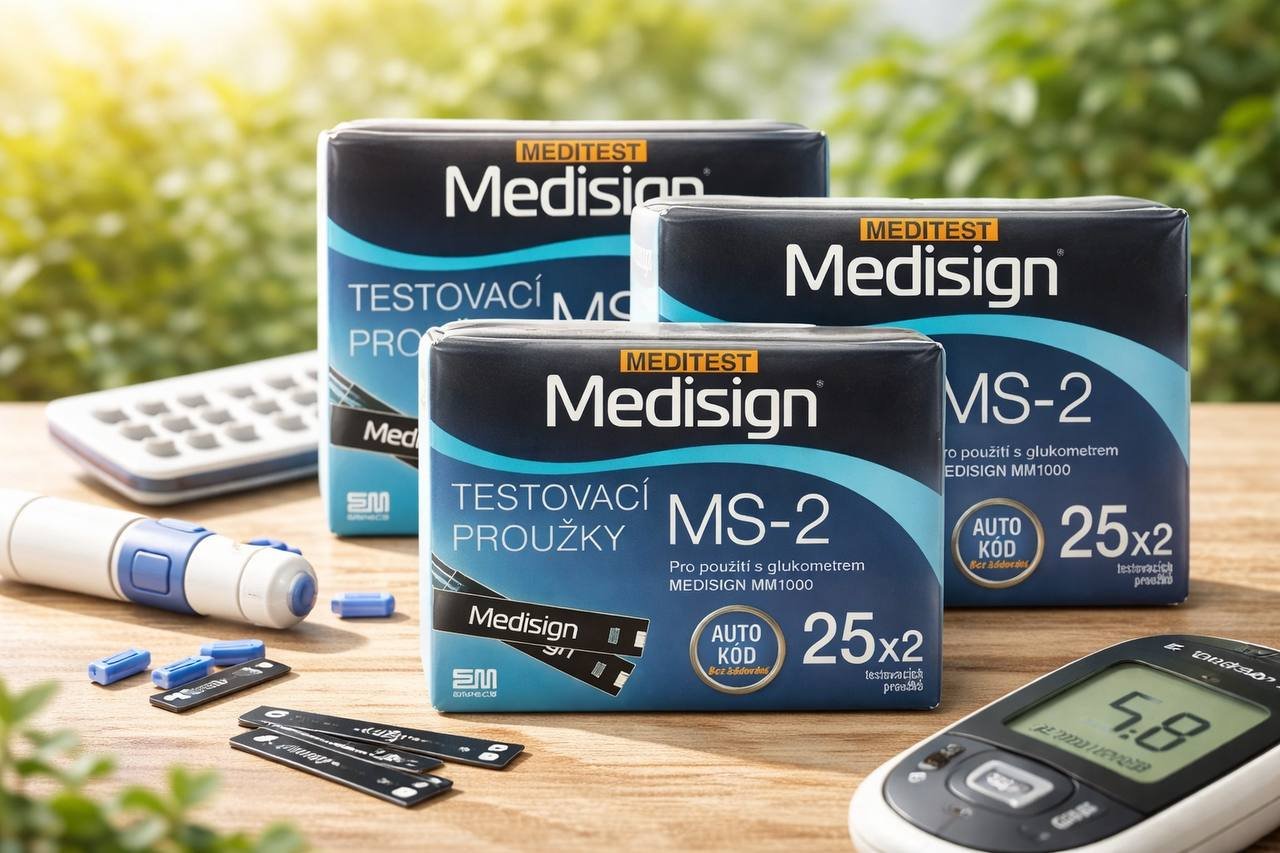
Taijin Empecs Medisign Test Strips
Why Choose Medisign Test Strips?
-
Accurate readings every time for confident decision-making
-
Easy-to-use design, ideal for home and travel
-
Compatible with Taijin Empecs glucose meters
-
Pack of 150 strips ensures long-term use without frequent reordering
Step-by-Step Usage Routine
1. Prepare Your Meter:
Ensure your Taijin Empecs device is ready with fresh batteries and calibrated if needed.
2. Insert a Test Strip:
Take one Medisign Test Strip and insert it into the meter following the device instructions.
3. Apply Blood Sample:
Use a lancet to obtain a small blood drop and place it on the strip. The meter will automatically start the measurement.
4. Read the Result:
Within seconds, your glucose level will appear on the meter screen. Record or track it using your preferred method or app.
5. Dispose Safely:
After testing, safely dispose of the used strip and lancet to maintain hygiene and prevent contamination.
Tips for Reliable Monitoring:
-
Always wash and dry hands before testing
-
Use strips before the expiration date
-
Store strips in a cool, dry place away from sunlight
-
Rotate finger-prick sites to avoid soreness
Benefits of Daily Monitoring with Medisign Test Strips:
-
Track glucose patterns and detect fluctuations early
-
Support better dietary and lifestyle decisions
-
Enhance diabetes management with accurate data
-
Reduce the risk of complications through consistent monitoring
Pro Tips for Maximum Accuracy
-
Always follow meter instructions for calibration
-
Avoid touching the strip tip with fingers
-
Keep a log of daily readings for review with your healthcare provider
Conclusion
Medisign Test Strips by Taijin Empecs Medical Device provide accurate, easy-to-use, and reliable glucose monitoring at home or on-the-go. With 150 strips per pack, maintaining your daily testing routine becomes simple, effective, and consistent. Ensure your health is under control and enjoy peace of mind with Medisign Test Strips.